Map
The map is the home view in the app. Clusters group nearby stations so you can zoom into a coast or harbor without jumping across the ocean.
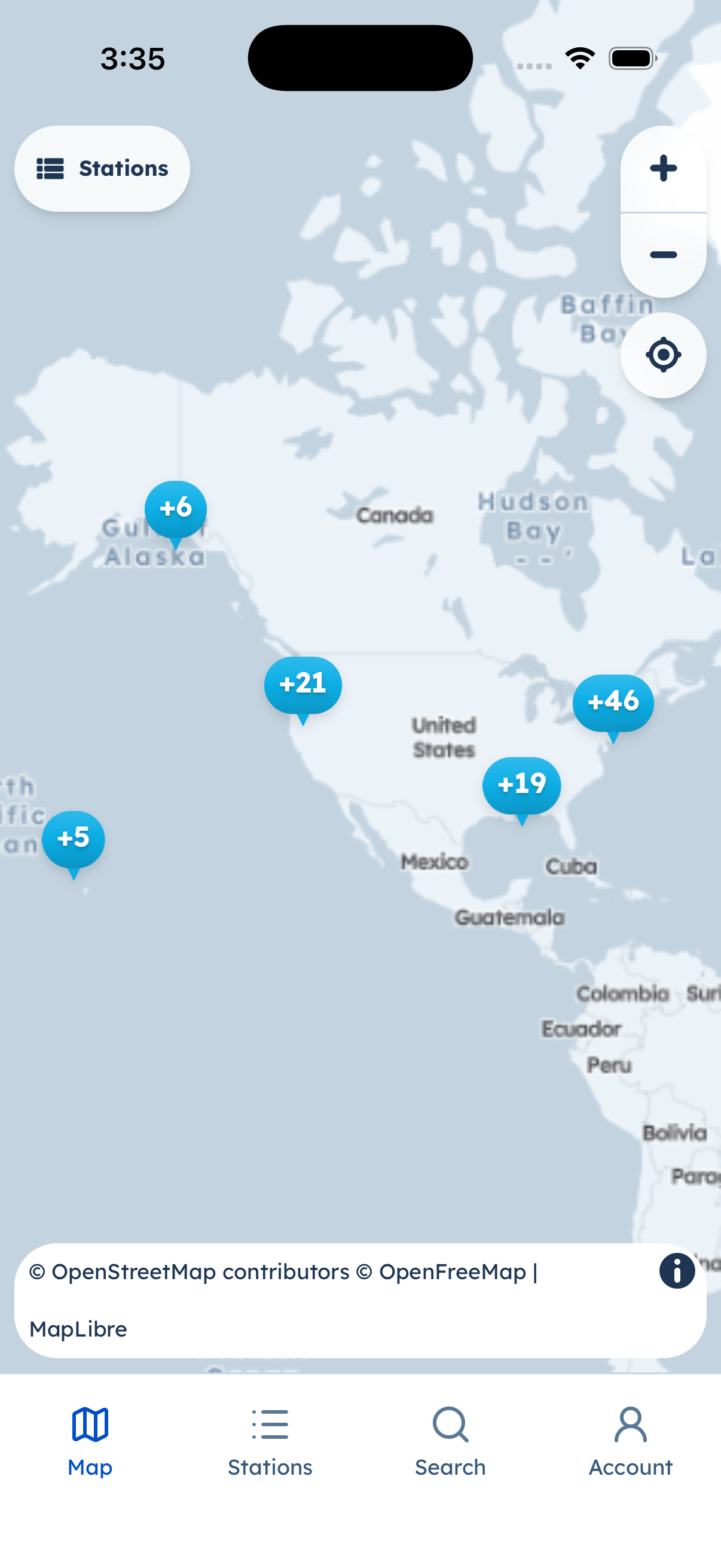
Station clusters on the map. Bottom tabs stay in the app (Map, Stations, Search, Account).
- Pinch or spread to zoom. Tap a cluster to split it; tap a station to open it.
- The opening view is framed around the main station cluster so a distant station (for example Guam) does not yank the camera across the Pacific.
- Search (tab) finds stations by name without leaving the native chrome.
Browse-without-account: the map does not require Apple, Google, or email sign-in.