Calendars
Open a station → Calendar. You get high and low water on a month view. Some stations also show shallow windows (when water is likely too low for a boat near that gauge), plus related events such as road flooding or bridge-too-low when that station has them.
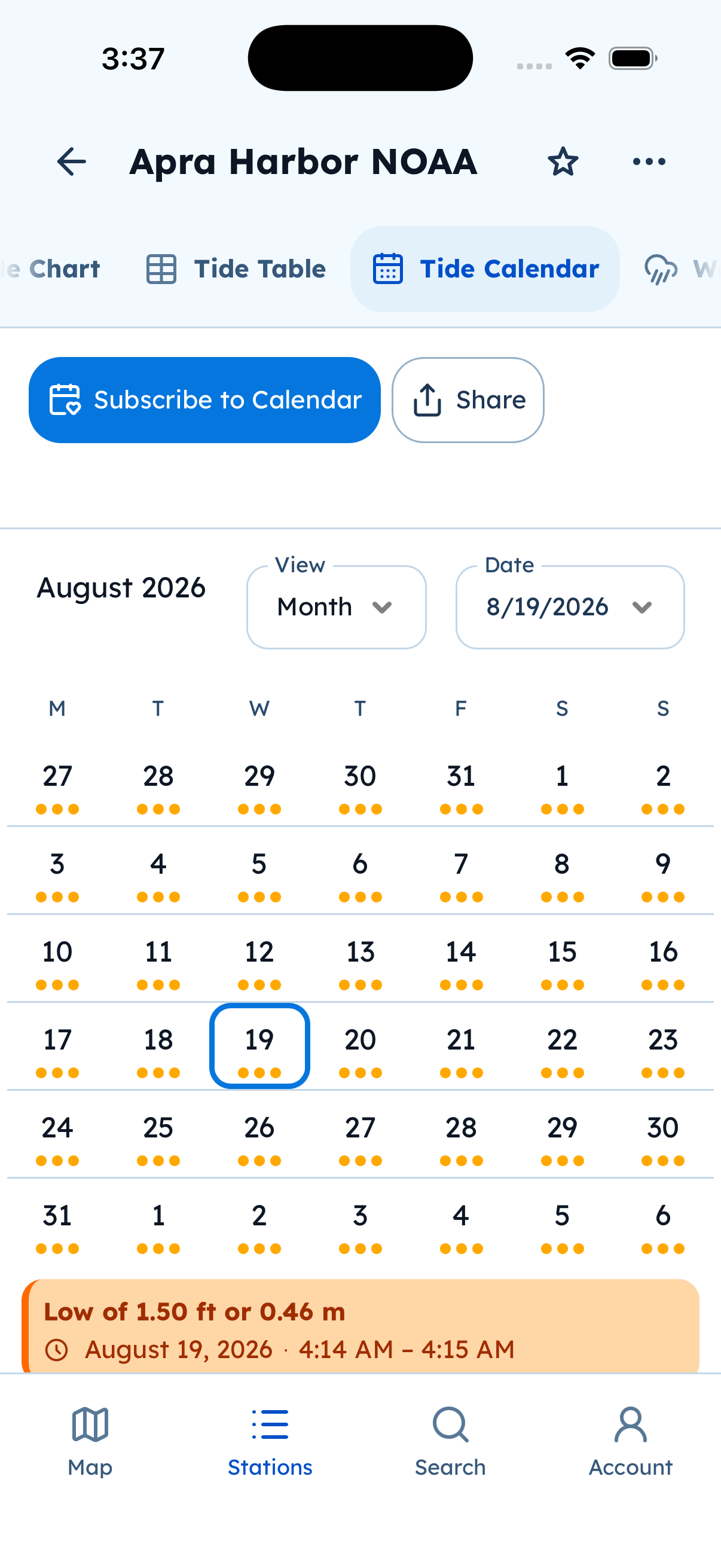
Tide Calendar. Subscribe to Calendar keeps a live feed in Apple Calendar, Google, or Outlook.
Subscribe (live calendar)
Section titled “Subscribe (live calendar)”- Open the station calendar.
- Tap Subscribe to Calendar (calendar icon).
- Choose Apple / iCal, Google, Outlook, or Microsoft 365 as offered.
- Finish in that calendar app. Events keep updating in the background.
The feed can create many events. If the calendar looks busy, hide the Tide Alerts calendar in that app — the subscription can keep updating even when hidden.
You can view the in-app calendar without signing in. Subscribe uses the system calendar or browser handoff for that provider.