Getting started
You do not need to sign in to use the map, station pages, charts, tables, calendars, or weather.
- Open Tide Alerts (iOS, Android, or the web app).
- The Map tab is the usual first screen. Station clusters show where gauges are.
- Tap a cluster or a station, or switch to Stations and search by name.
- On a station, use the tabs: Overview, Chart, Table, Calendar, Weather.
Sign in later if you want favorites across devices or email alerts. See Account.
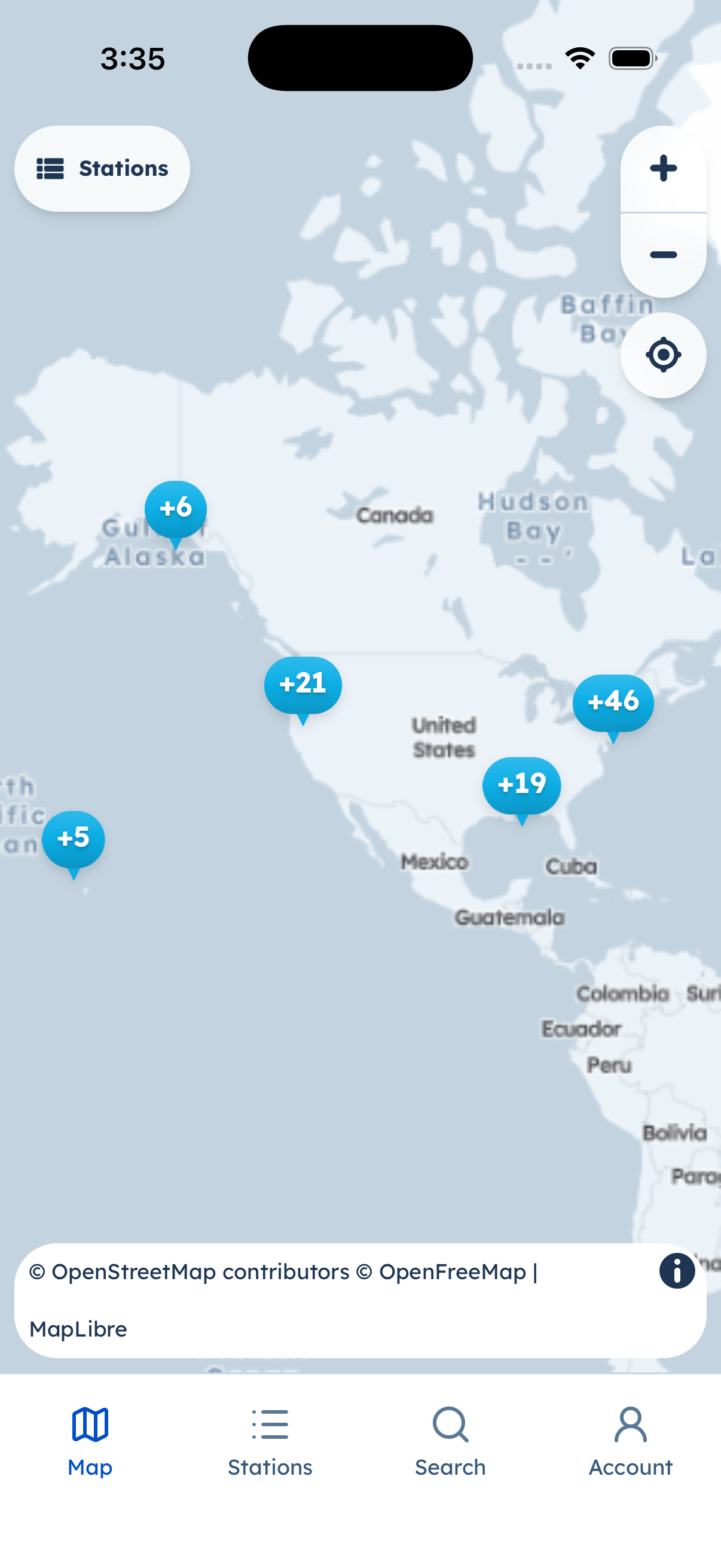
Map (light appearance). Tabs: Map, Stations, Search, Account.
Location permission is optional. If you allow it, the map can center on stations near you. You can refuse and still browse.